Ship a page as fast as you can describe it
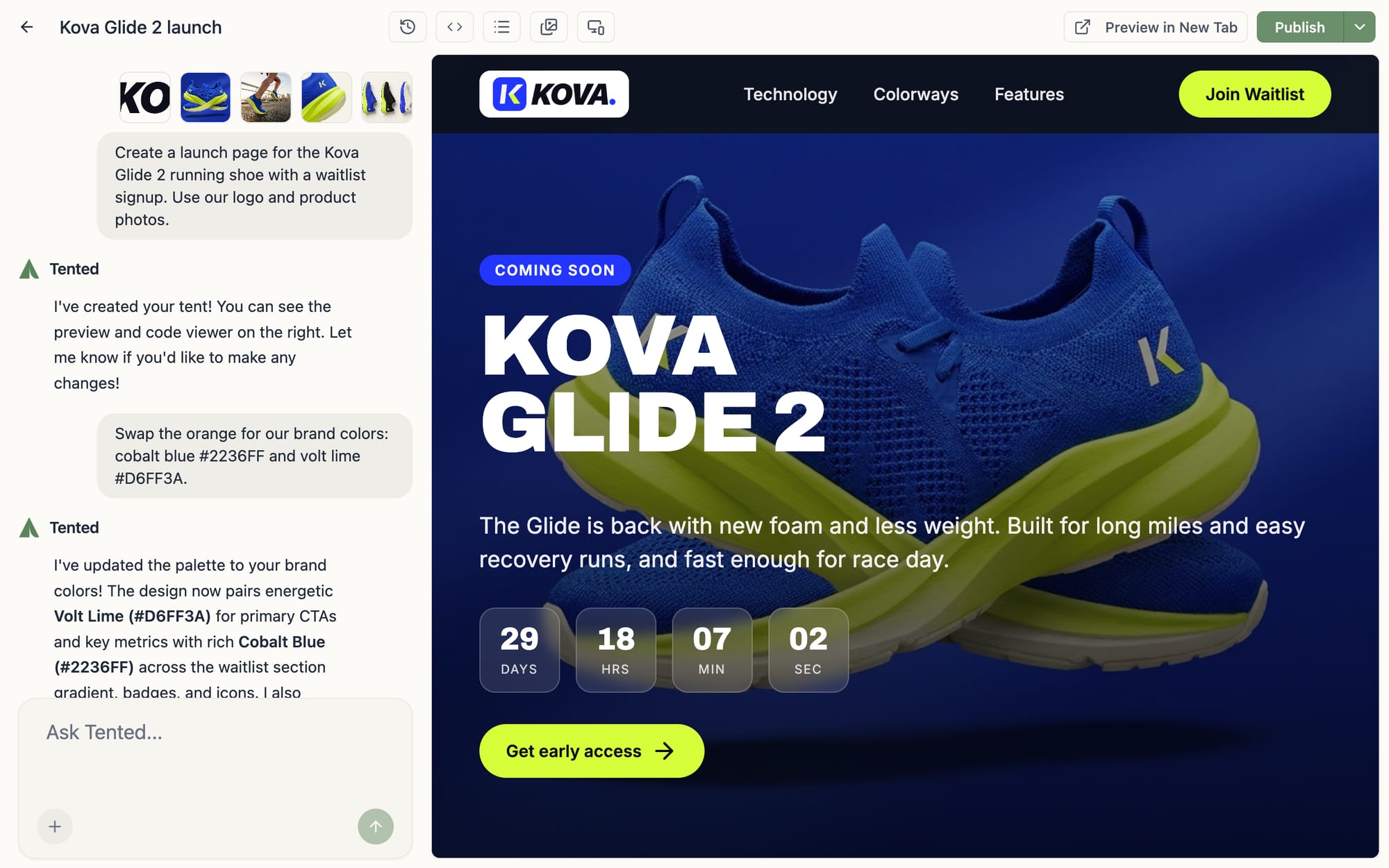
Tell Tented what you need (a launch page, a registration form, a one-off microsite) and watch a polished, on-brand page appear. Iterate in plain English until it's exactly right, then publish with one click.
Generative landing pages, microsites & web forms
Chat-driven editing
Every revision is a message, not a WYSIWYG wrestling match, and for quick touch-ups, click any text and polish it with the inline formatting toolbar.
Built-in form capture
Ask for a web form and submissions are captured automatically: no external database, no data-flow configuration, no glue code.
Hosted & branded
Every page publishes instantly to your workspace's domain. Paid plans add custom branded domains and password protection for pages that aren't for everyone.
Bring your files
Drop in images, videos, PDFs, decks, and spreadsheets. Tented weaves them into the page so customers can watch, view, and download.
Templates & reuse
Start from scratch or from a template your team has already perfected. Any page can become the starting point for the next one.
A real code editor
Technical users can pop the hood any time: a full code editor sits one click away for surgical changes.
A bespoke page for every customer, generated on the fly
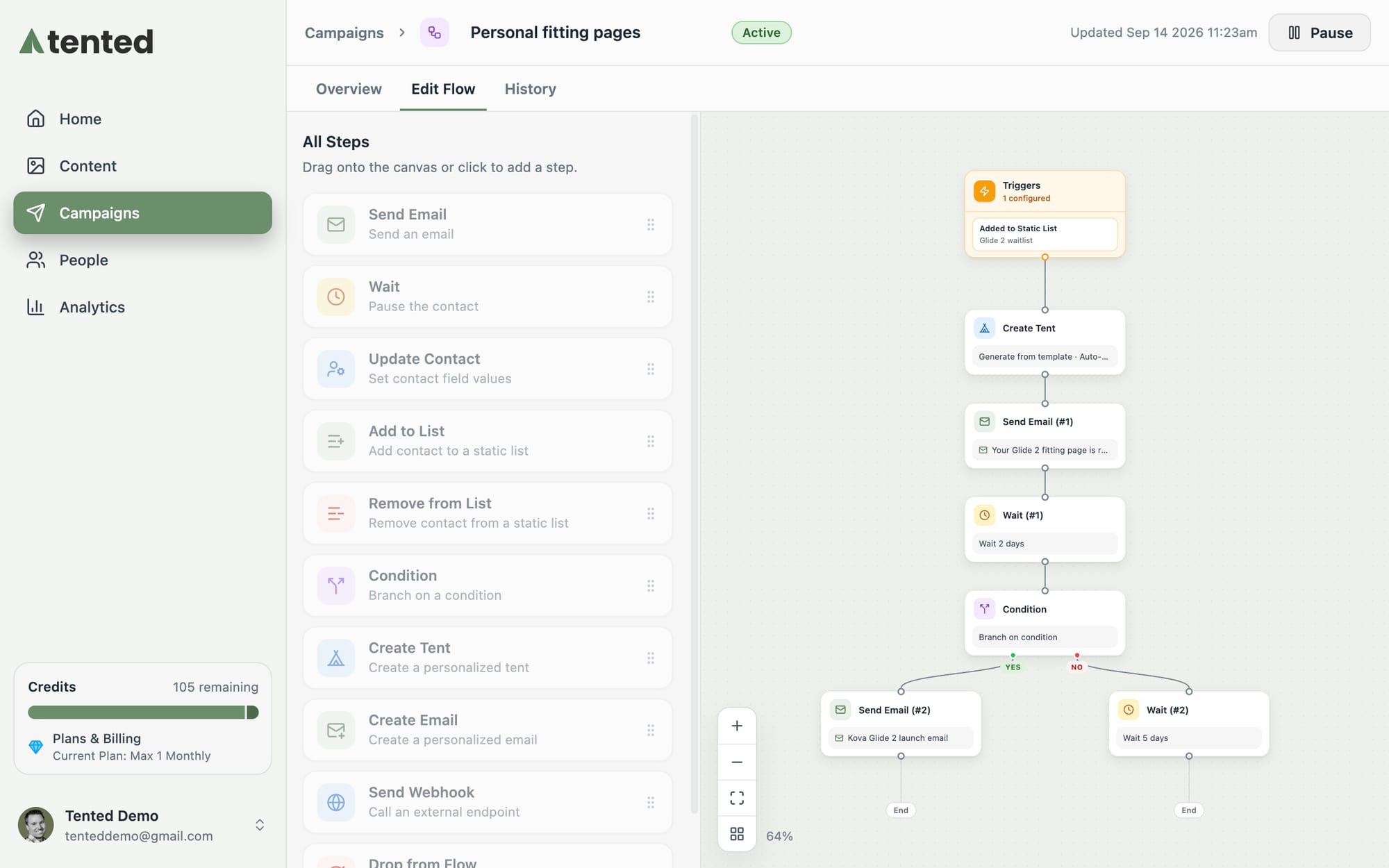
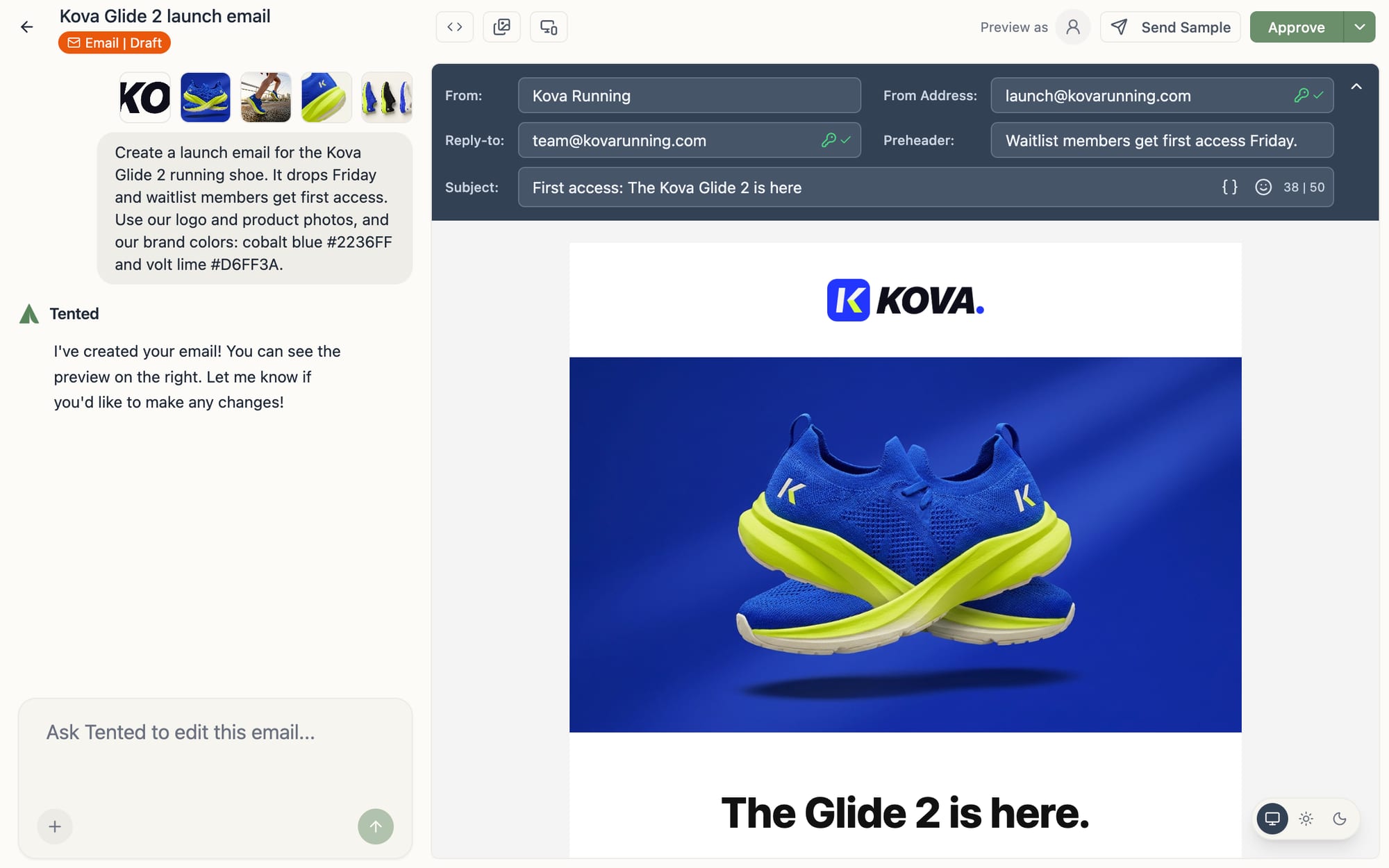
Tented builds a personalized page for each contact automatically, then places the link in your email campaigns and journeys or pushes it to the tools you already run. Every prospect lands on a page made for them, not a generic one.
 HubSpot
 Clay
Clay ShopifyAgent API
How teams use Pages
The details that make generated content ready to ship, not just ready to look at.
Start from a gallery that already looks like you
Open the template gallery and every starter page is already dressed as your company, from product launches to event pages to gated reports. Choose one and your logo, colors, and details are in place before you type a word, so the first draft looks published.
Every page is accountable
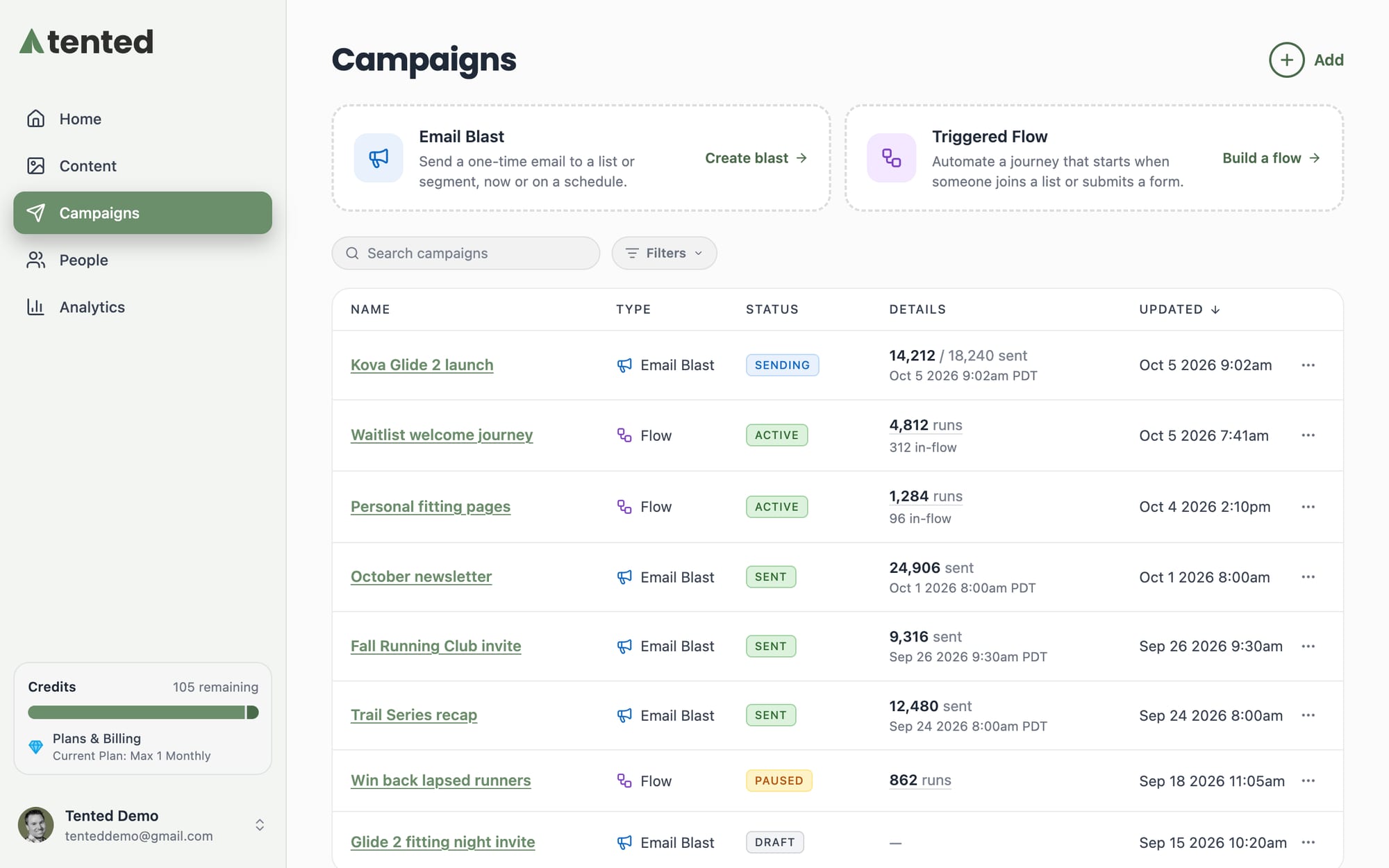
Each page tracks its own views, form submissions, and connected automations, so a landing page isn't just live, it's measurably working.
Know which pages are pulling their weight
Every published page rolls up into one view: total page views trended by day, plus a per-URL breakdown that ranks your pages by traffic. See what is landing and what to build next, without wiring up a separate analytics tool.
Ready to turn your ideas into magic?
Join other GTM teams already building on-brand, personalized content in seconds.
Get Started, Free Forever