Set the journey. Tented makes the messages.
Compose multi-step flows on a visual canvas (triggers, waits, branches) with steps that don't just send content but generate it, personalized to every contact who enters.
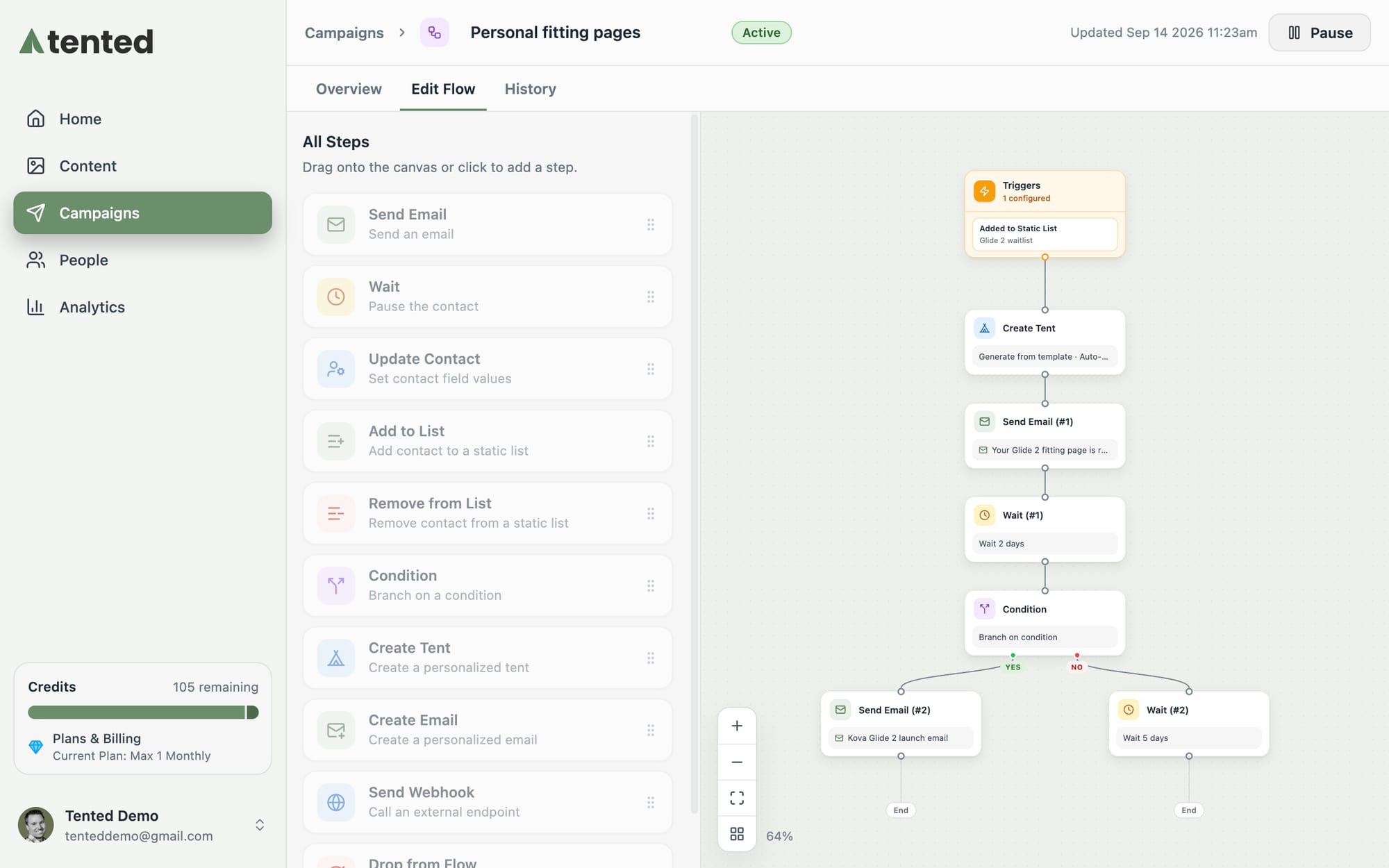
Multi-step flows triggered by real behavior
Visual flow builder
Drag steps onto a canvas: send or generate an email, wait, branch on conditions, update contacts, add or remove from lists.
Create Tent and Create Email steps
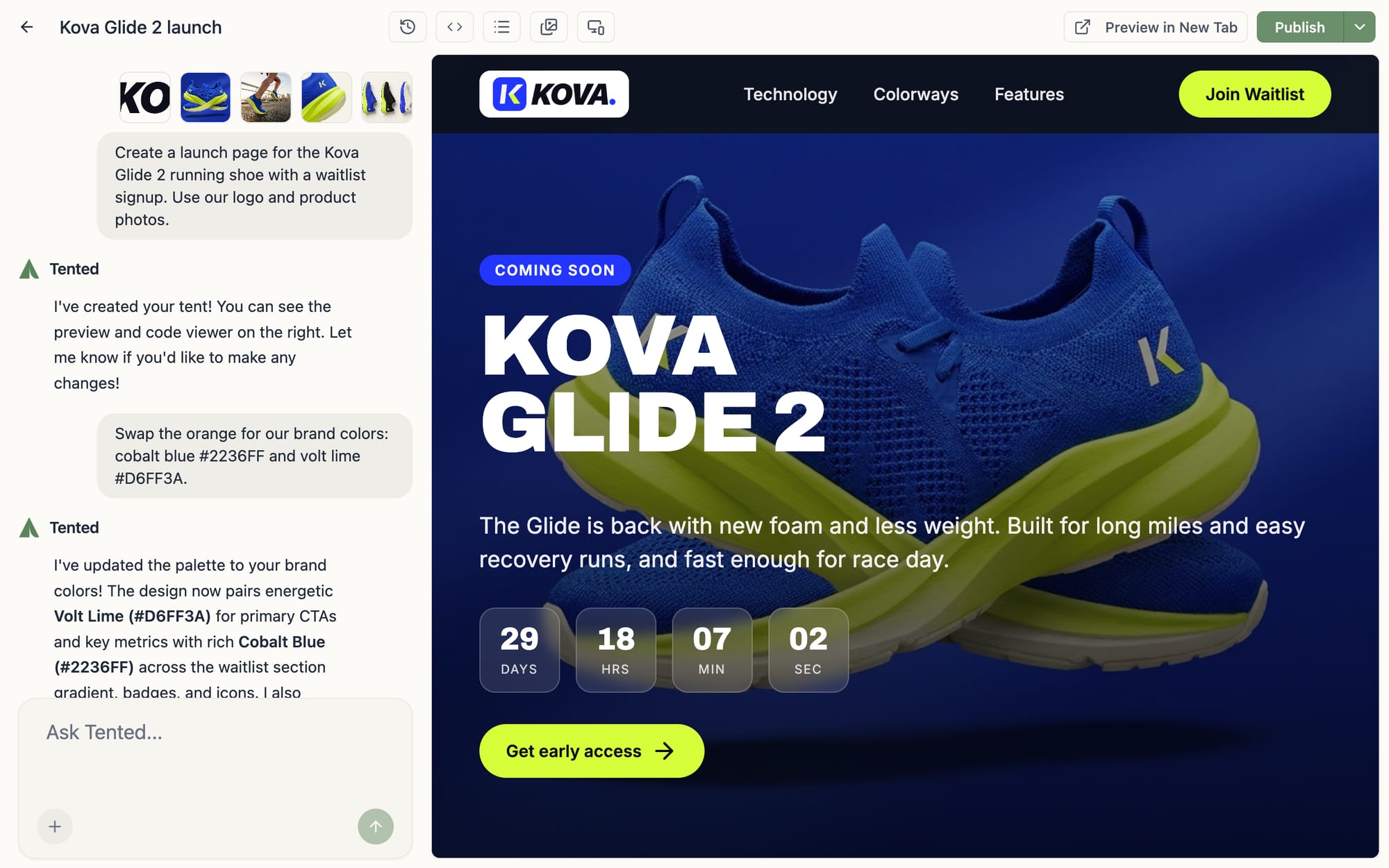
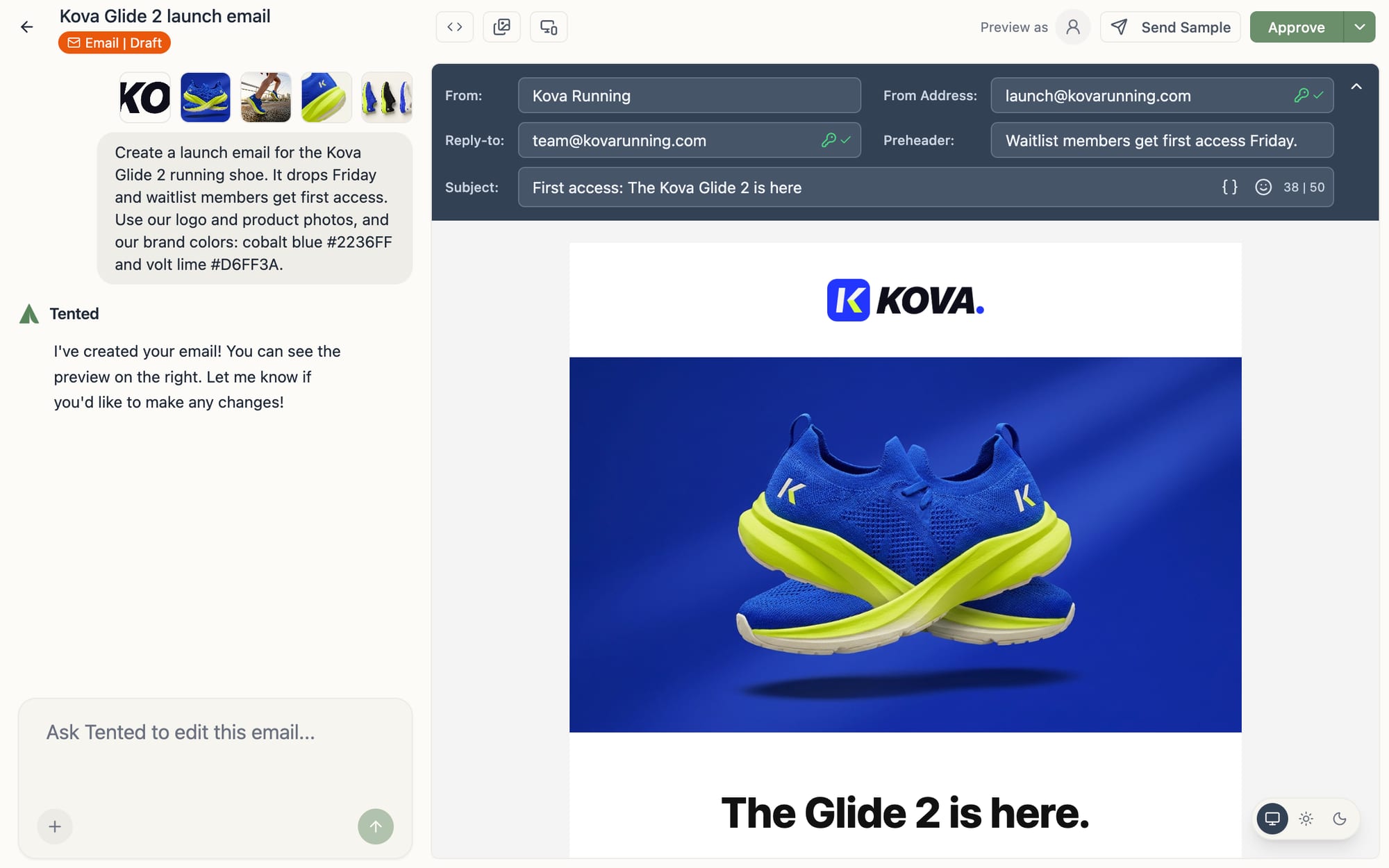
The steps other platforms don't have: generate a personalized page or email for each contact mid-journey, unique to who they are.
Triggers everywhere
Enroll contacts when they join a list, submit a form, or via API, so journeys start the moment intent shows up.
Conditions & branches
Split journeys on contact fields and behavior so every path stays relevant.
Webhooks out
Call external endpoints from any step to keep the rest of your stack in the loop.
Per-step analytics
See who entered, who's waiting where, and how every send performed, step by step.
How teams use Automated Journeys
What happens after you press go, and how you stay in control of it.
Every step measured
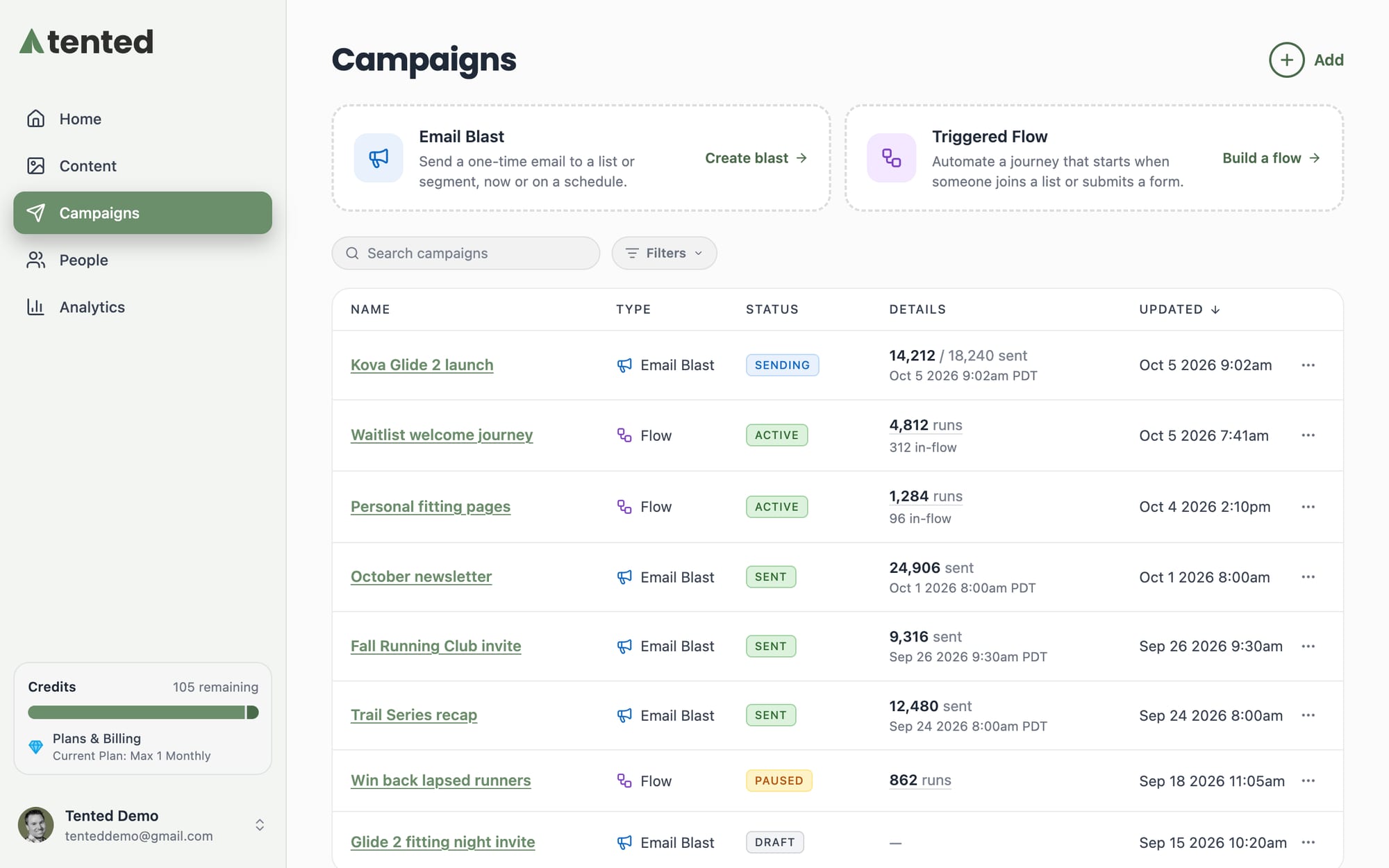
Journey analytics show who entered, who's waiting where, and how every send performed: sent, delivered, opened, clicked, bounced, unsubscribed.
Triggers that personalize the journey
Start a flow the moment intent shows up: a list add, a form submission, a date on a contact record, or an event fired straight from your product over the API. The data that triggers the journey rides along, so every send and every generated page is personalized to who just entered.
See exactly who engaged with each step
Every send step on the flow overview reports its own activity: sent, delivered, opened, clicked, bounced, and unsubscribed. Open the numbers behind any step to get the contacts who acted, timestamped and ready to segment, re-target, or follow up by hand.
Ready to turn your ideas into magic?
Join other GTM teams already building on-brand, personalized content in seconds.
Get Started, Free Forever